Analog Rytm MK1 · Android
Rytm
Mobile
Get any sound into your Rytm from your phone. Chop a voice memo, a screen recording or a whole track, split it into stems, and send it straight to +Drive over USB.
Download APK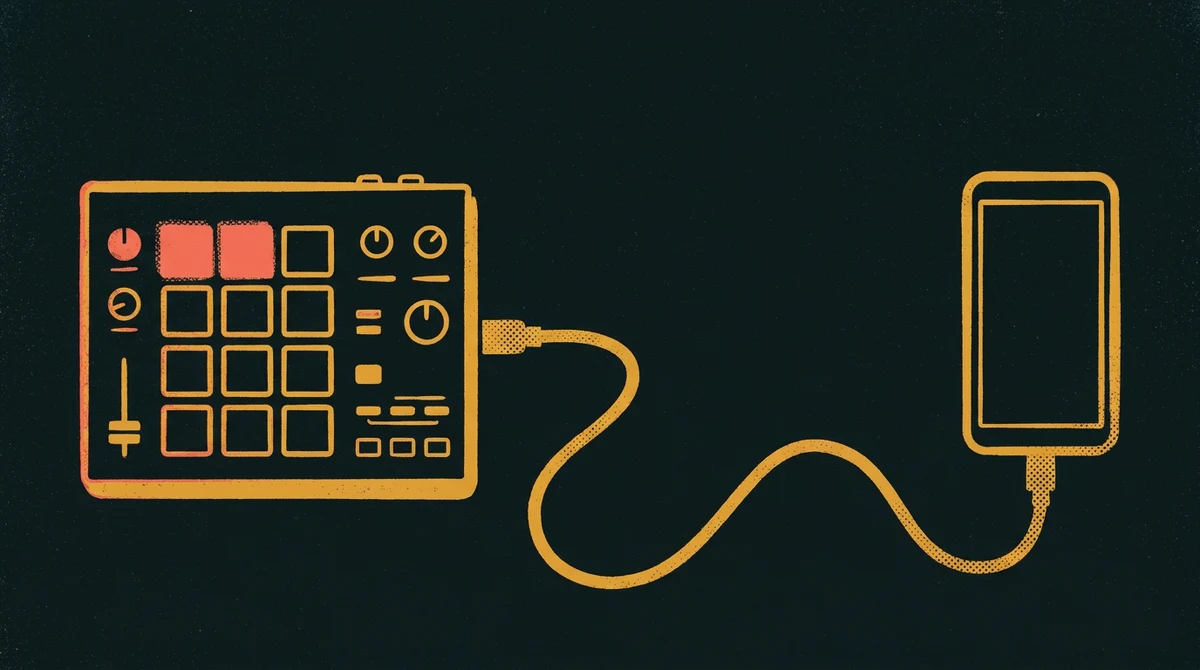
What it does
Rytm+Drive transfer
Browse the Rytm's +Drive, make folders, delete samples, and send new ones over USB. It speaks Elektron's own SysEx file protocol, ported from Elektroid.
Choptrim and send
Open any audio or video file: MP3, WAV, M4A, FLAC, screen recordings or voice memos. Trim it on the waveform and send it. The app converts it to 48 kHz, 16‑bit mono, with clean resampling and dither.
Splitstem separation
Split a track into drums, bass, guitar, piano, other and vocals, or a drum stem into kick, snare, toms and cymbals. Stems land in a +Drive folder, ready to load. The split runs on a Mac stem server you reach over Tailscale.
Install
- On the phone, tap Download APK above.
- Open the downloaded file. Android asks whether your browser or file app may install apps. Allow it for that app only.
- Play Protect may warn you that it doesn't know this developer. The app isn't on the Play Store, so that's expected. Choose to install anyway.
- Optional: check that the file's SHA‑256 matches the one above.
- Updating from an older test build? Uninstall that one first. It was signed with a different key.
You need
- An Analog Rytm MK1 with its USB mode set to USB MIDI.
- A USB‑C OTG cable or adapter from the phone to the Rytm's USB port.
- Android 10 or newer.
- For Split only: the stem server running on a Mac, Tailscale on both devices, and the server's token.